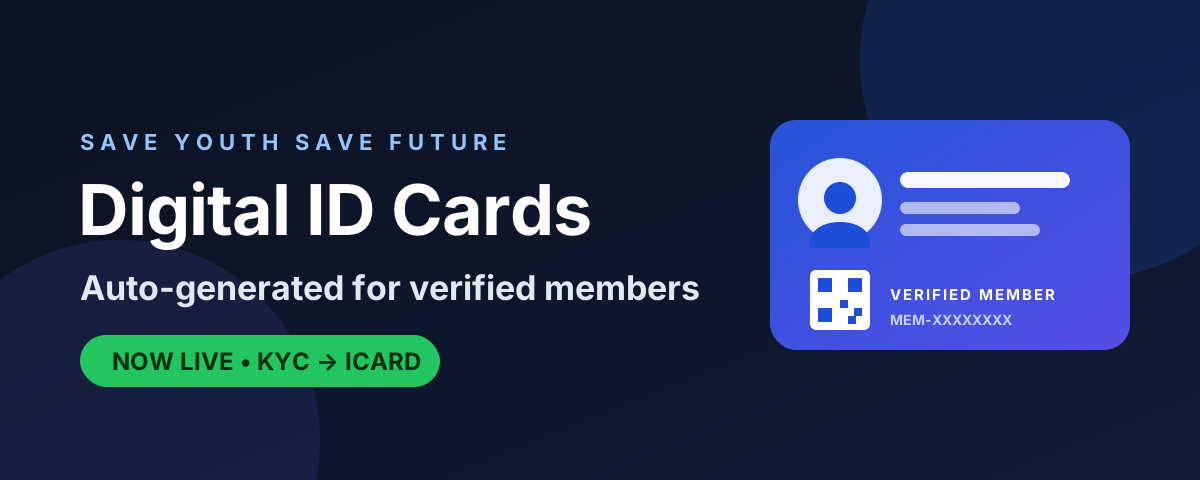
We are excited to announce a major upgrade to the Save Youth Save Future membership experience: automatic Digital ID Card (ICARD) generation for every verified member.
Once your identity verification (KYC) is approved by our administration, your official digital membership card is created instantly - complete with your name, phone number, verified photo, a unique Member ID, and a scannable QR code that anyone can use to confirm your membership is genuine.
HOW TO GET YOUR DIGITAL ID CARD
Step 1 - Create an account or log in at saveyouthsavefuture.org.
Step 2 - Complete your profile with your correct name and phone number.
Step 3 - Open the "Verify Identity" (KYC) section from your profile and submit your documents: the front (and back) of your government ID and a clear selfie.
Step 4 - Submit your application. Our team is notified automatically and will review it.
Step 5 - Once approved, you are upgraded to Permanent Member and your ICARD is generated automatically. A unique Membership ID (for example, MEM-XXXXXXXX) is issued to you.
Step 6 - Open your card from your Dashboard using the "ICARD" button, or from your Profile page via "View Digital ID Card".
Step 7 - Use "Download / Print" to save your card as a PDF. The QR code on the card links to a secure verification page.
WHAT IS ON YOUR CARD
- Full name
- Phone number
- Verified photo
- Unique Member ID
- Membership status and issue date
- Secure verification QR code
Your documents are stored using strong encryption and are never shared publicly. Thank you for being part of the movement.
Once your identity verification (KYC) is approved by our administration, your official digital membership card is created instantly - complete with your name, phone number, verified photo, a unique Member ID, and a scannable QR code that anyone can use to confirm your membership is genuine.
HOW TO GET YOUR DIGITAL ID CARD
Step 1 - Create an account or log in at saveyouthsavefuture.org.
Step 2 - Complete your profile with your correct name and phone number.
Step 3 - Open the "Verify Identity" (KYC) section from your profile and submit your documents: the front (and back) of your government ID and a clear selfie.
Step 4 - Submit your application. Our team is notified automatically and will review it.
Step 5 - Once approved, you are upgraded to Permanent Member and your ICARD is generated automatically. A unique Membership ID (for example, MEM-XXXXXXXX) is issued to you.
Step 6 - Open your card from your Dashboard using the "ICARD" button, or from your Profile page via "View Digital ID Card".
Step 7 - Use "Download / Print" to save your card as a PDF. The QR code on the card links to a secure verification page.
WHAT IS ON YOUR CARD
- Full name
- Phone number
- Verified photo
- Unique Member ID
- Membership status and issue date
- Secure verification QR code
Your documents are stored using strong encryption and are never shared publicly. Thank you for being part of the movement.